Gems Shot
About Gems Shot
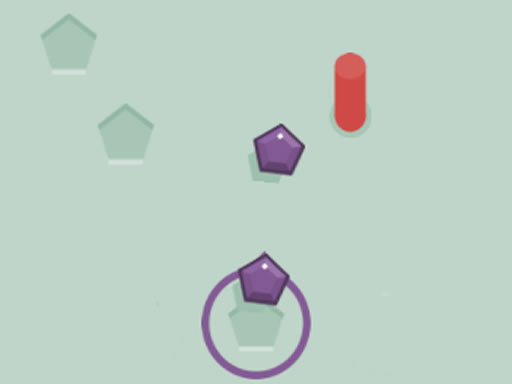
You need to fill in the empty spaces with 10 crystals and tray to avoiding the red columns. Every time you hit red columns loose one of 30 life you have. Have fun.
How to Play Gems Shot
Use mouse and keyboard to play this game.
What are the Different Features?
- Interactive Elements: Click and drag to interact with game objects
- Power-ups: Collect special items to enhance your gameplay
- Multiple Levels: Progress through increasingly challenging stages
- Scoring System: Earn points for completing objectives
Gems Shot Tips
- Read the instructions carefully
- Practice makes perfect
- Don't give up if you fail
- Have fun and enjoy the game!
Controls
Use mouse and keyboard to play this game.
FAQ
How to Play Gems Shot?
Use mouse and keyboard to play this game.
Gems Shot Tips
Read the instructions carefully Practice makes perfect Don't give up if you fail Have fun and enjoy the game!
Can I play this game on mobile?
This game is optimized for desktop browsers, but may work on mobile devices.